django-markdown-widget
A GitHub-style markdown editor widget for Django forms and admin.
Screenshots
| Dark (default) | Light |
|---|---|
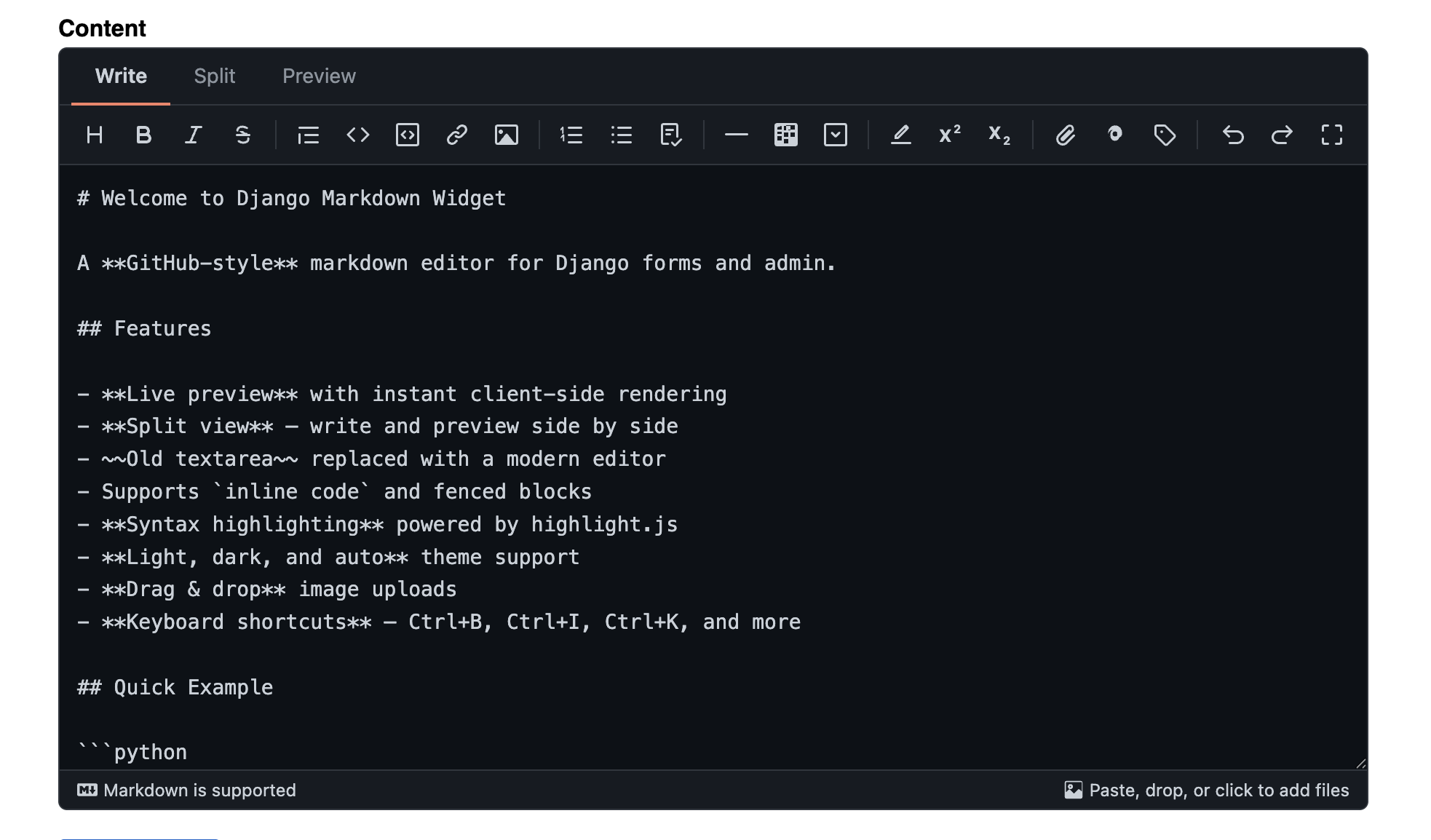 |
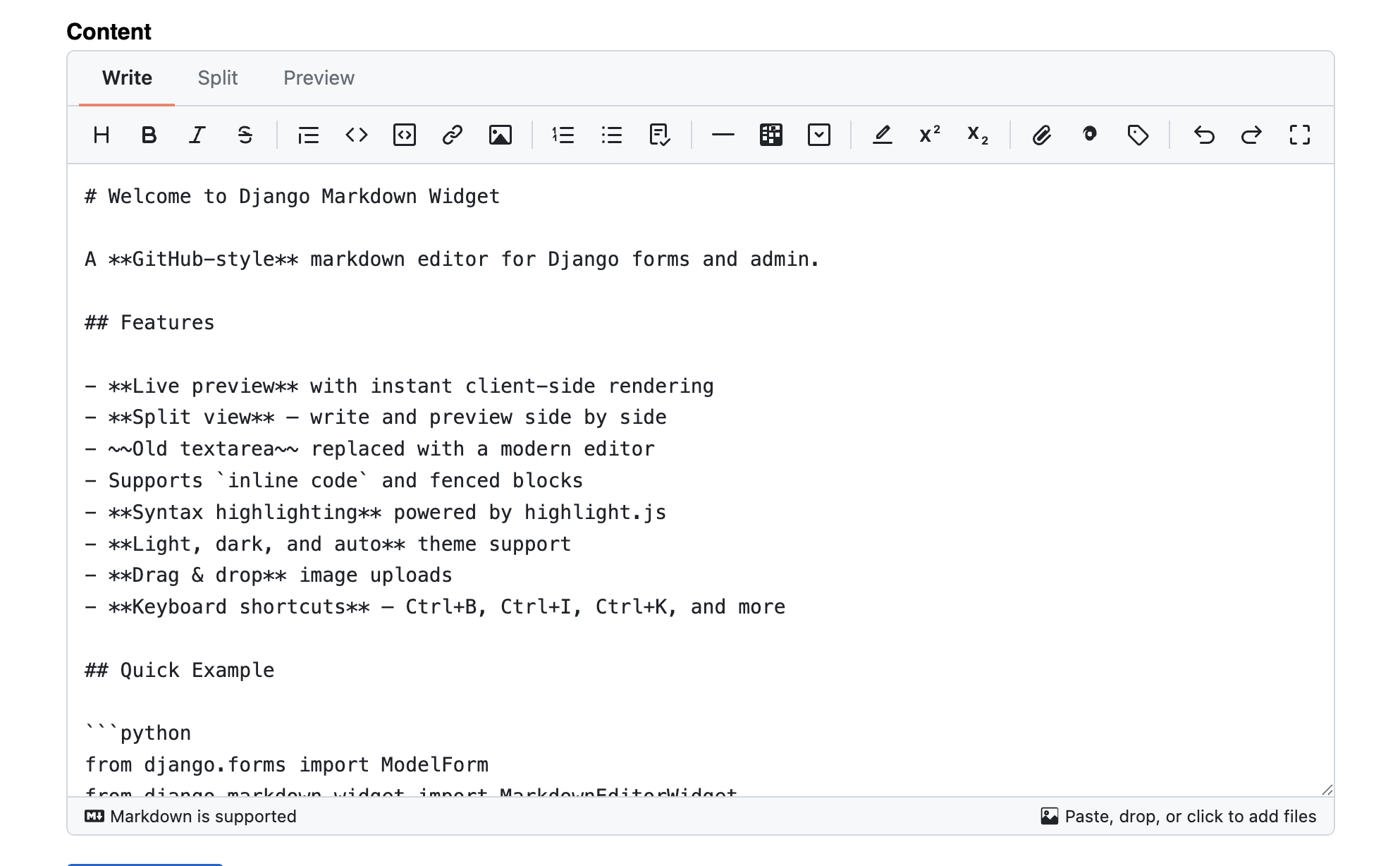 |
| Split View | Preview |
|---|---|
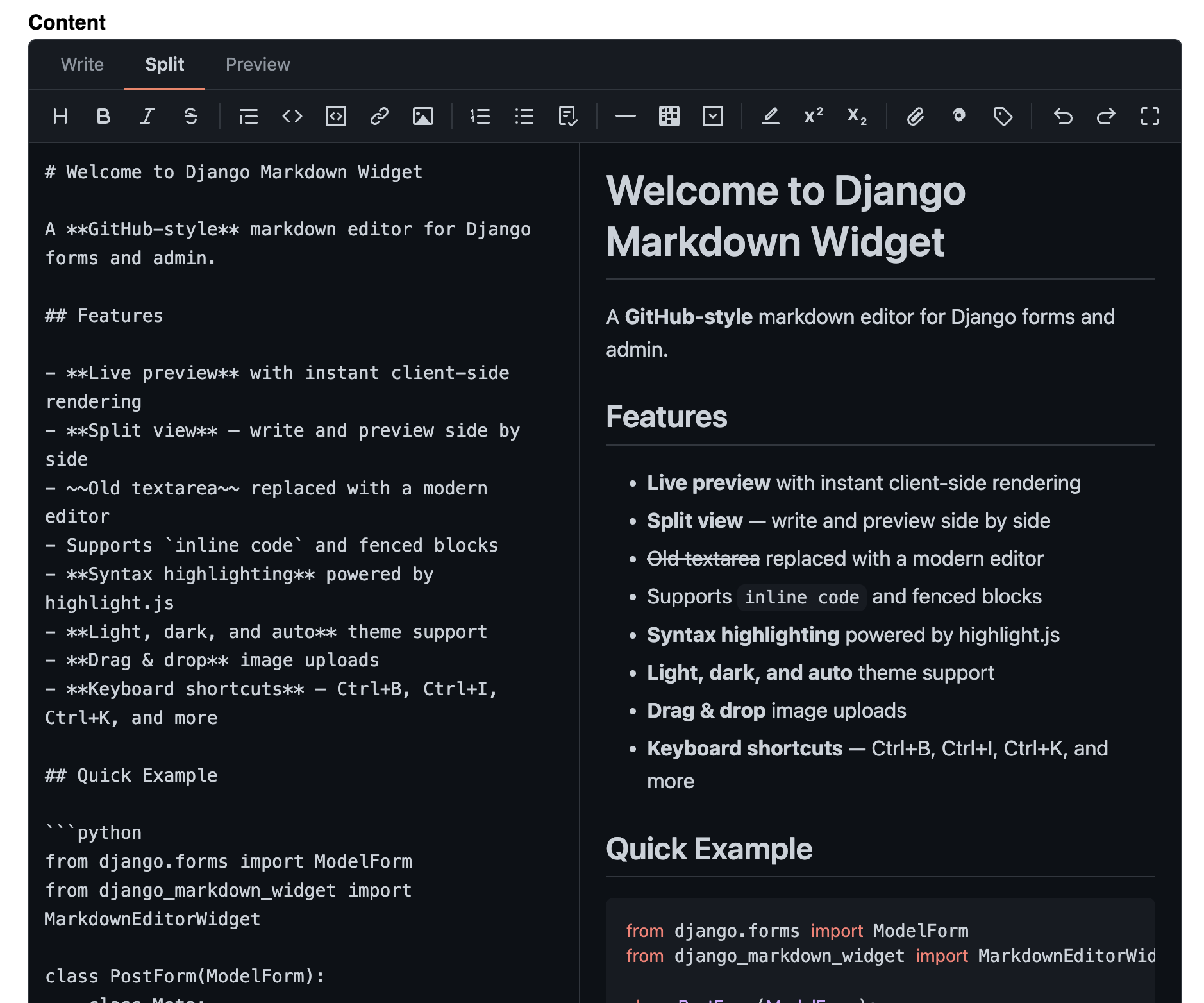 |
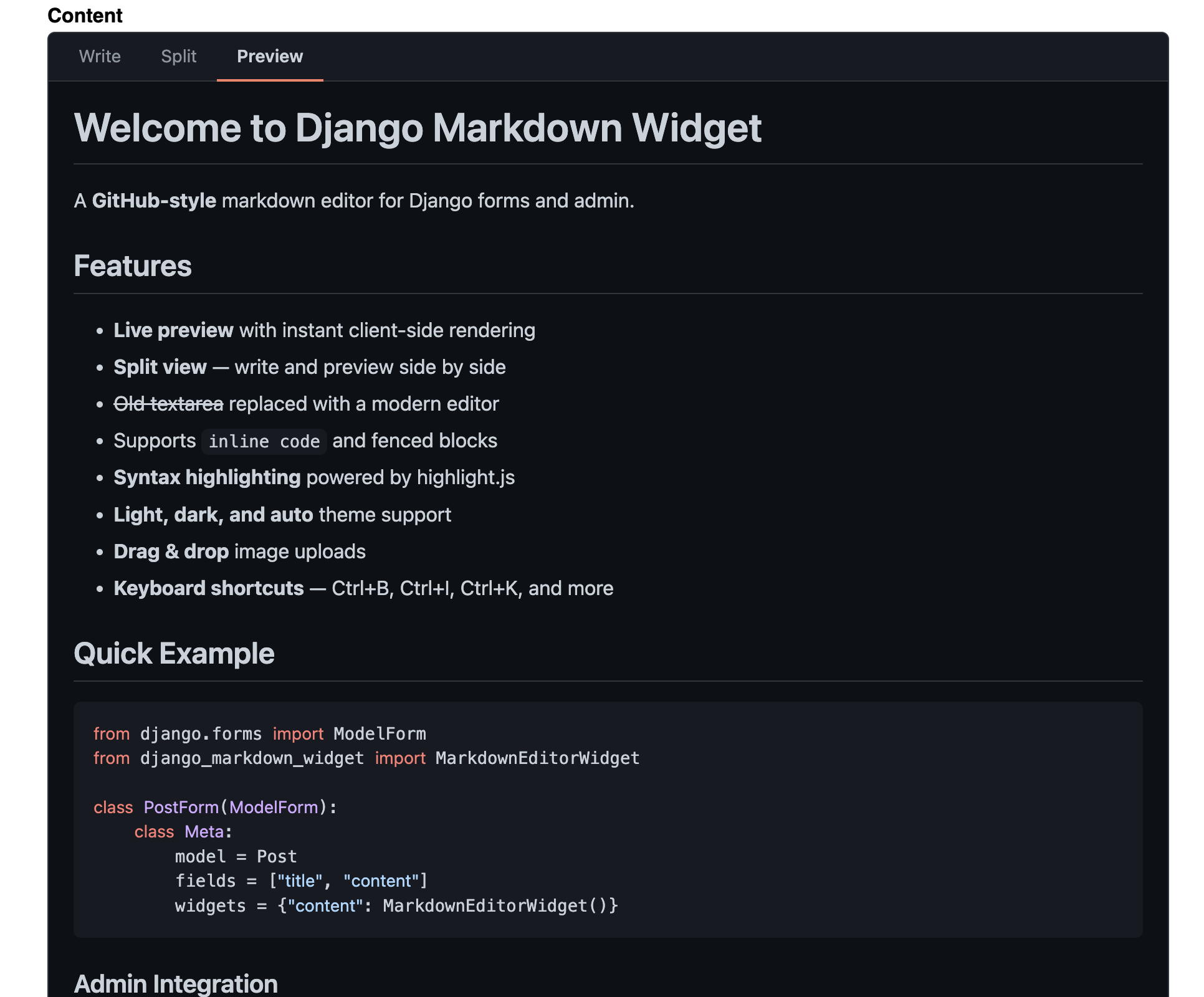 |
Why django-markdown-widget?
- Drop-in widget -- works with any Django form or ModelForm
- Three view modes -- write, split (side-by-side with live preview), and preview
- Syntax highlighting -- code blocks highlighted via highlight.js
- Rich media -- upload images, videos, documents; embed YouTube, Vimeo, CodePen
- Autosave -- drafts saved to localStorage, survives page reloads
- Temp uploads -- files go to temp storage first, finalize on form submit
- One-line admin integration -- mixin replaces TextFields with the editor
- Pluggable architecture -- swap renderers and upload handlers without changing code
- Security -- HTML sanitization on client and server, CSRF protection, path traversal prevention
- No heavy dependencies -- only Django is required; markdown library is optional
- Themes -- light, dark, and auto (follows system preference)
Quick Example
from django.forms import ModelForm
from django_markdown_widget import MarkdownEditorWidget

class PostForm(ModelForm):
    class Meta:
        model = Post
        fields = ["title", "content"]
        widgets = {
            "content": MarkdownEditorWidget(),
        }
That's it. The editor includes a toolbar, live preview, image uploads, and keyboard shortcuts out of the box.
Next Steps
- Installation -- install the package and wire it up
- Quick Start -- form, admin, and template usage in 5 minutes
- Configuration -- all available settings